Rich text
Elements, labels, notes, and rich text field attributes support rich text formatting. The available formatting depends on the field.
Supported formatting
| Field | Bold, italic, underline, strikethrough | Links | Blockquotes | Arcscript segments |
|---|---|---|---|---|
| Element title | Yes | Yes | No | No |
| Element content | Yes | Yes | Yes | Yes |
| Connection label | Yes | Yes | No | Yes |
| Note content | Yes | Yes | No | No |
| Rich text field attribute | Yes | Yes | Yes | No |
Arcscript segments are code blocks used for story logic. Inline code formatting is not supported in any of these fields. Plain String Field attributes contain unformatted text and do not support the formatting above.
For integrations, see Rich text in the REST API.
Formatting menu
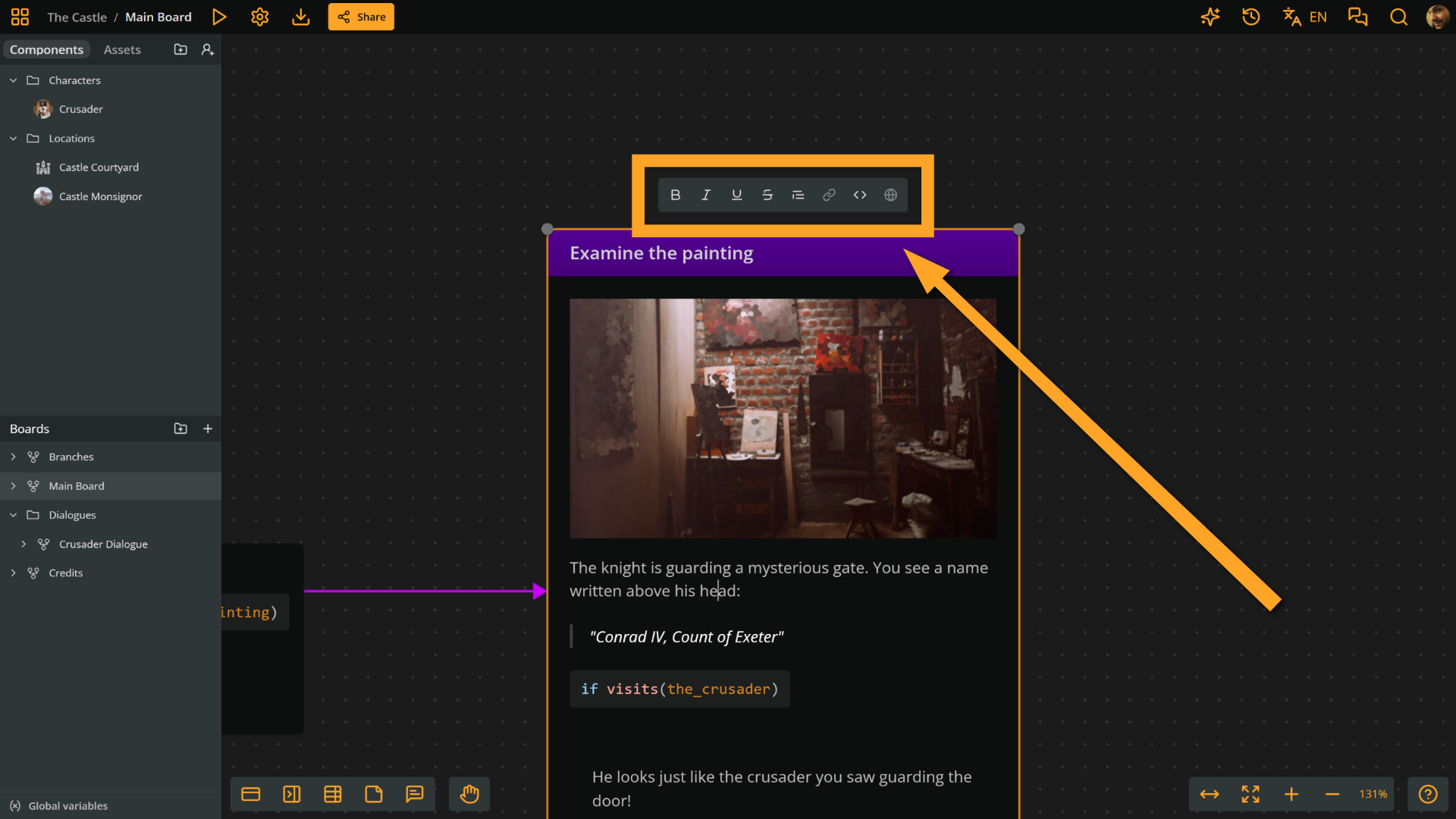
The formatting menu appears above or below the rich text field and displays context-dependent formatting buttons.
The picture below shows the formatting menu appearing when editing the content of an element:
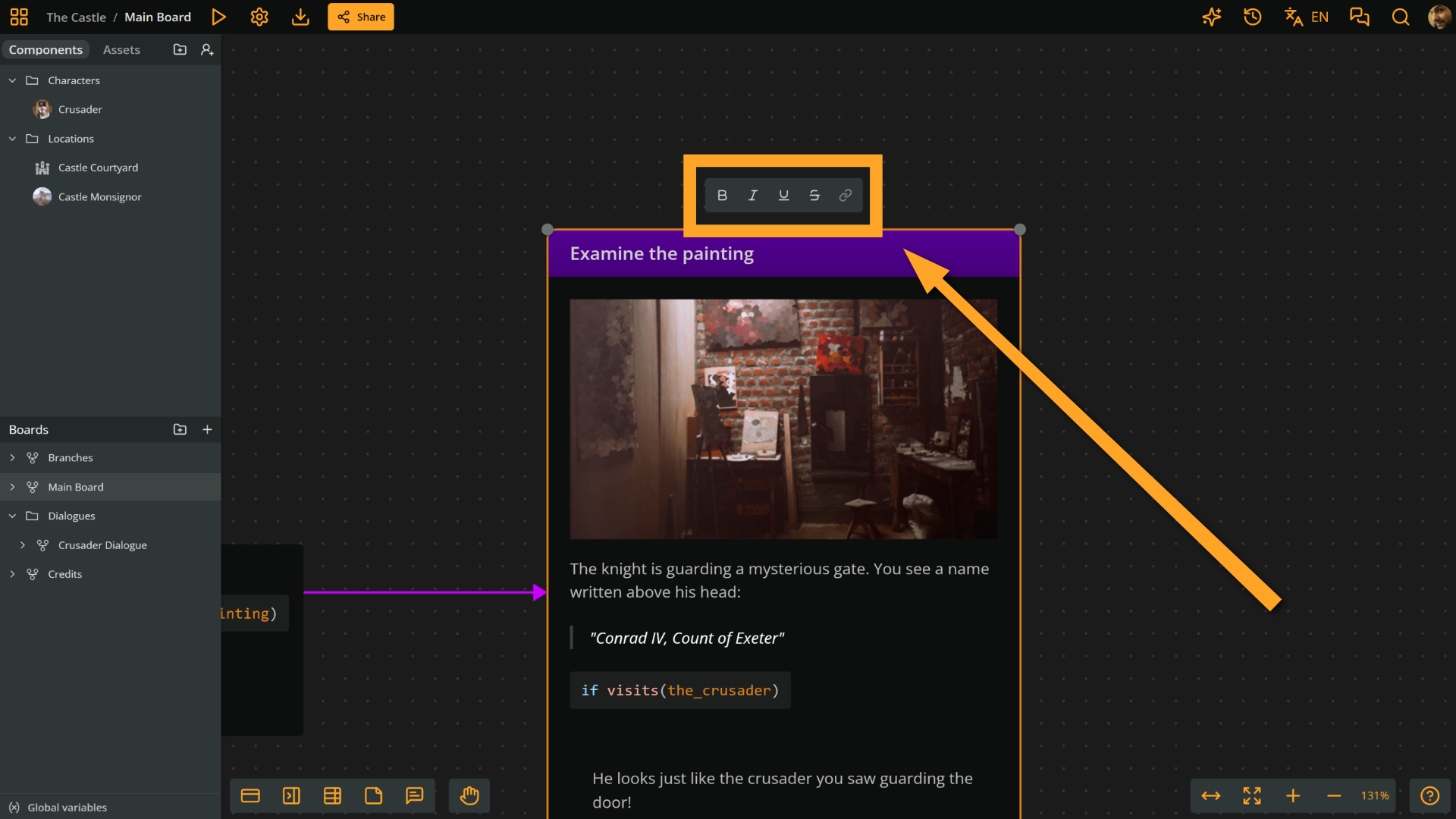
And this is the formatting menu appearing when editing an element's title:
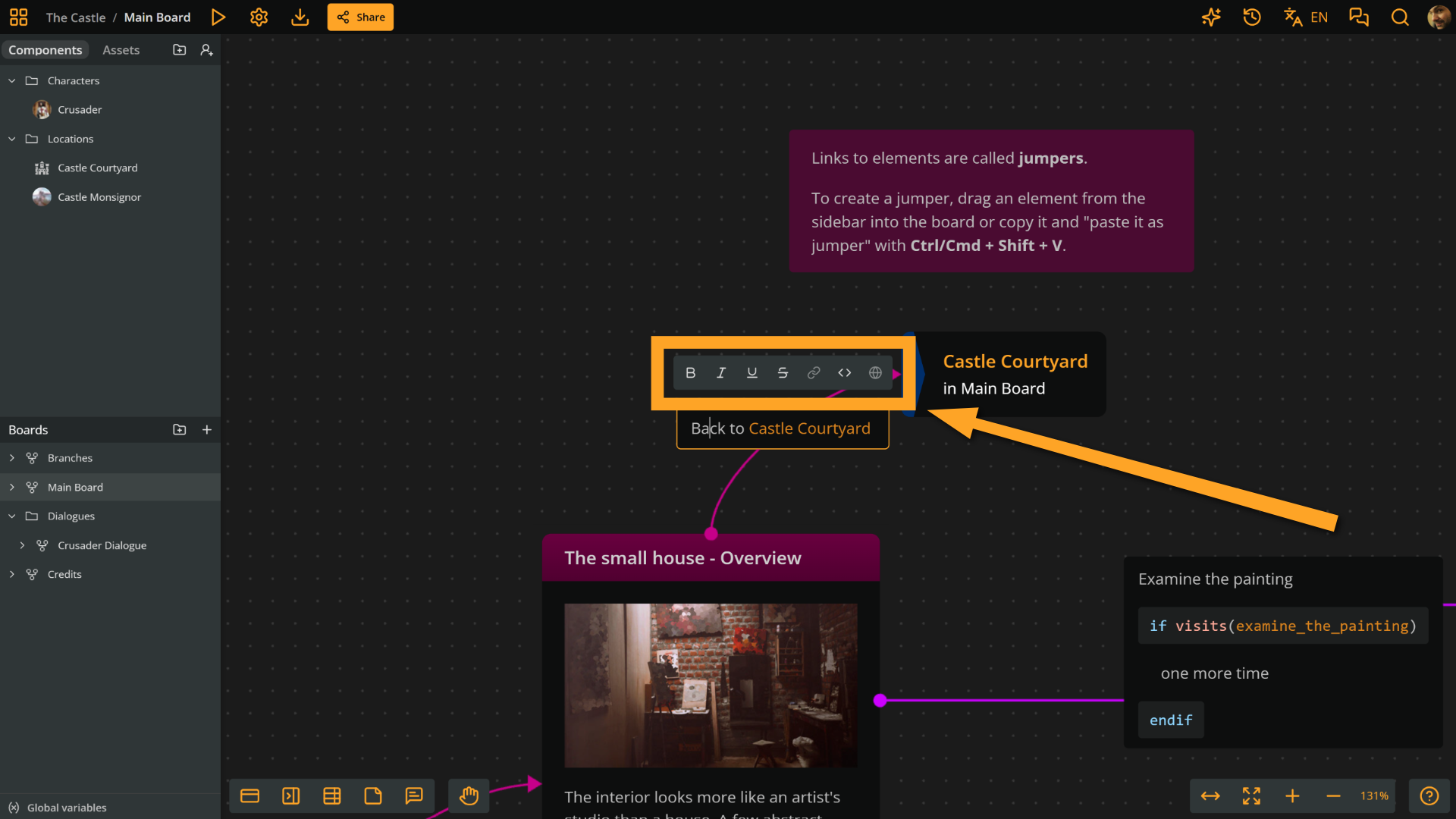
Same, when editing a label:
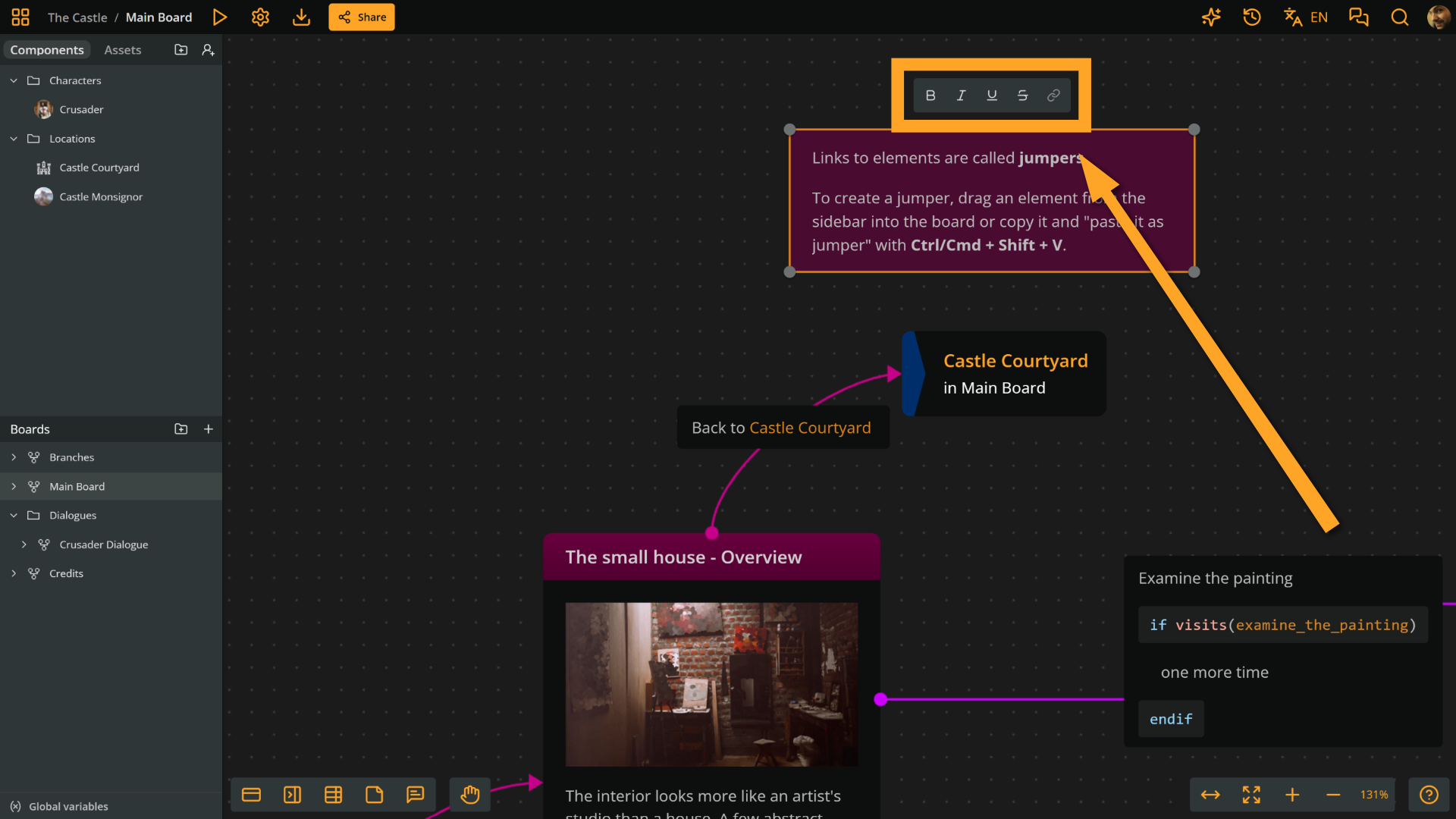
When editing a note:
Finally, this is the formatting menu appearing when editing a rich text field attribute:
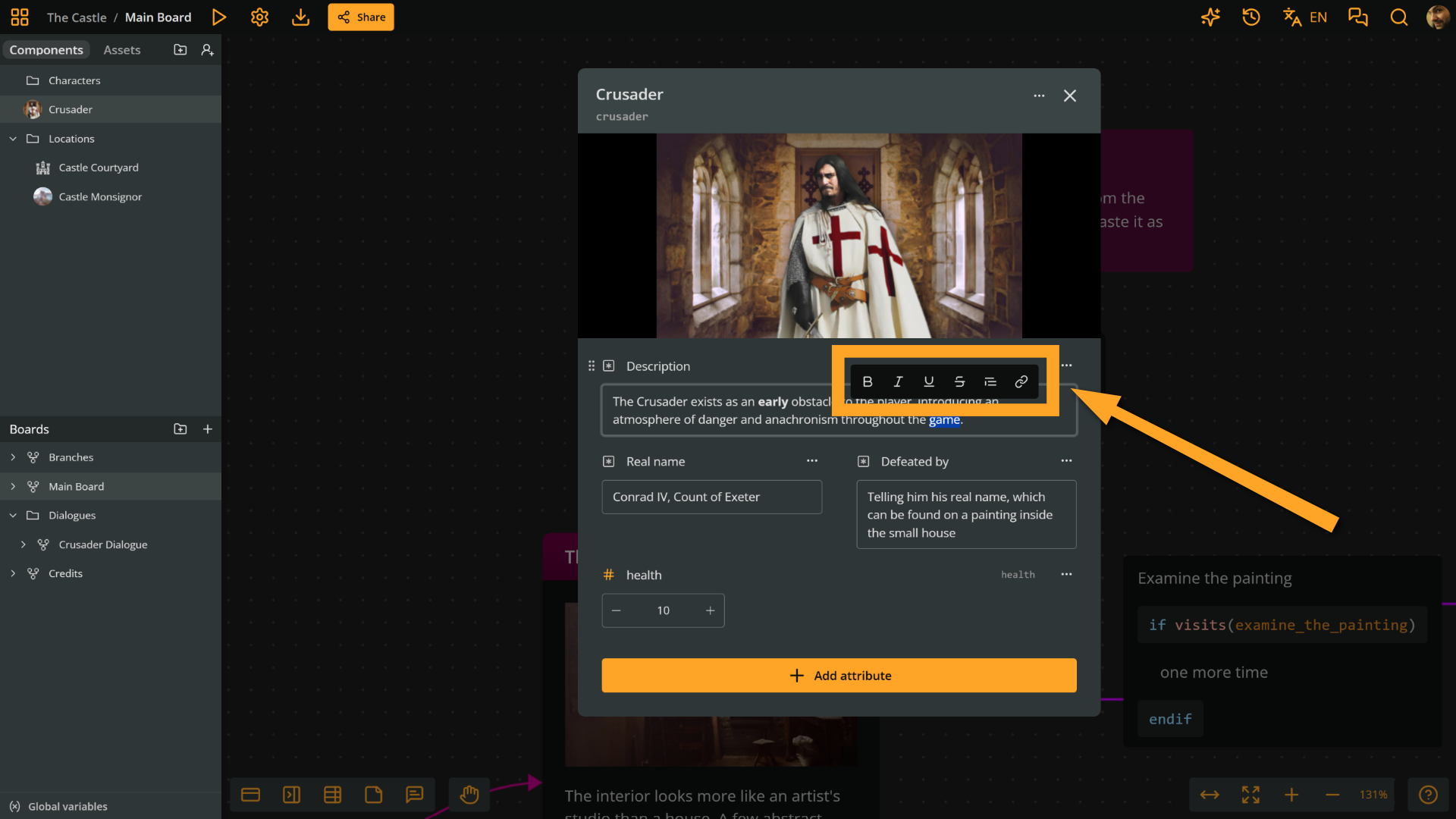
Bold, italic, underline, and strikethrough
Available in: element title, element content, label, note, rich text field attribute
After selecting your text, click the Bold, Italic, Underline, or Strikethrough button in the formatting menu to apply the desired style.
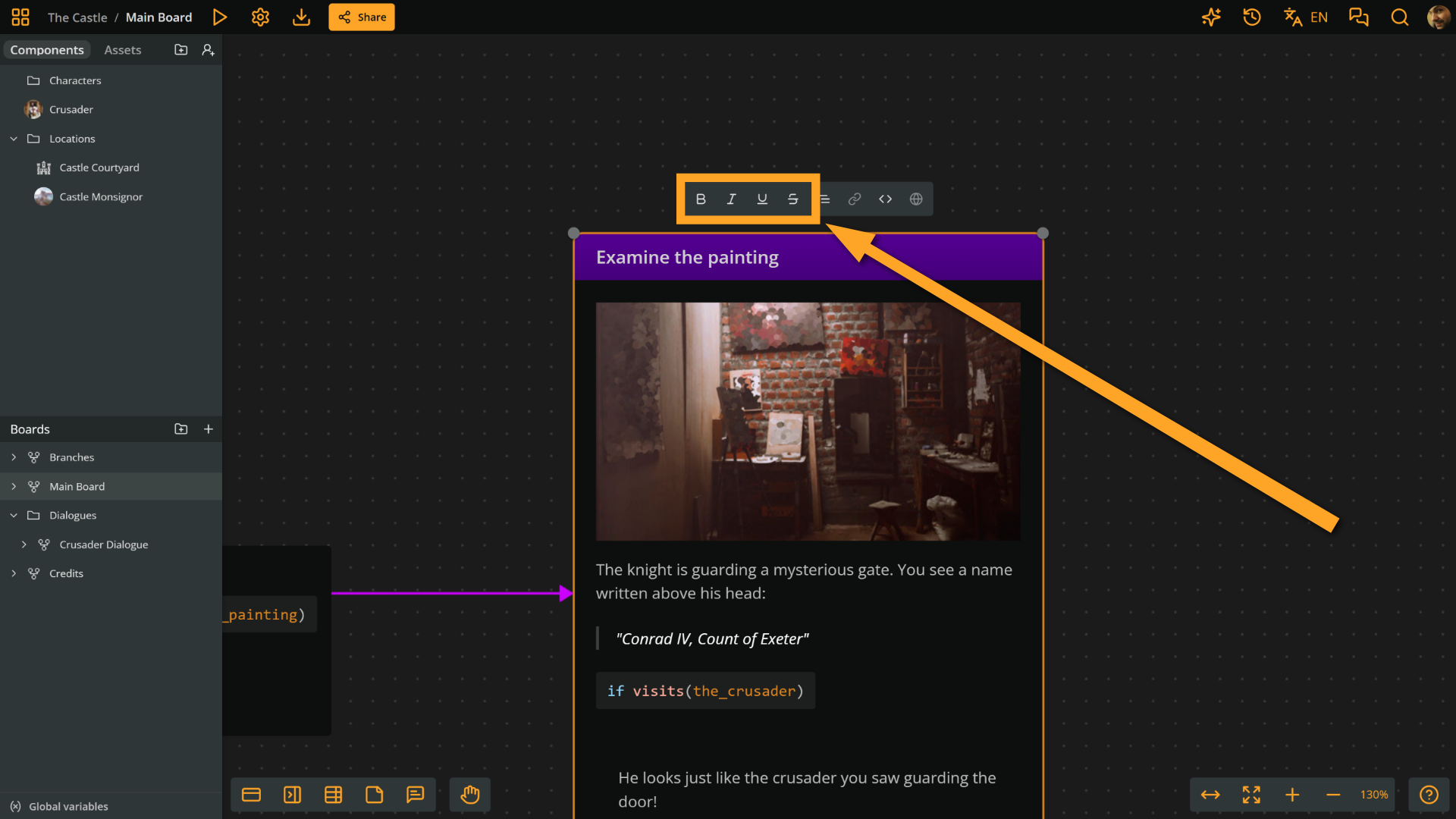
Blockquote
Available in: element content, rich text field attribute
Place your cursor in a paragraph and click the Blockquote button in the formatting menu to format the paragraph as a blockquote. This helps the text stand out as a quote or callout.
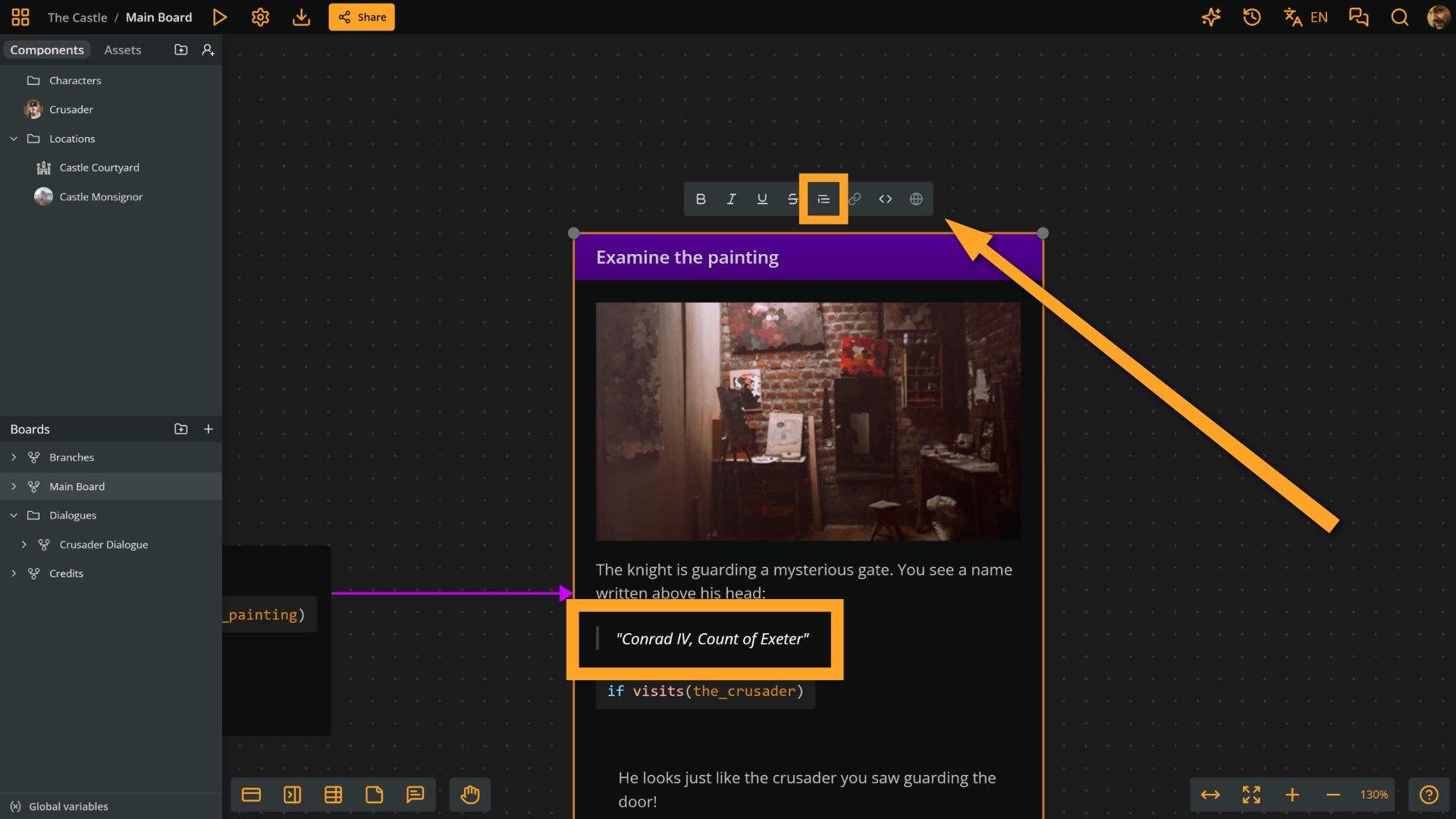
Link
Available in: element title, element content, label, note, rich text field attribute
Select text and click the Link button in the formatting menu, then type or paste a URL and press Enter to turn the text into a link. The button is disabled when no text is selected or inside Arcscript segments.
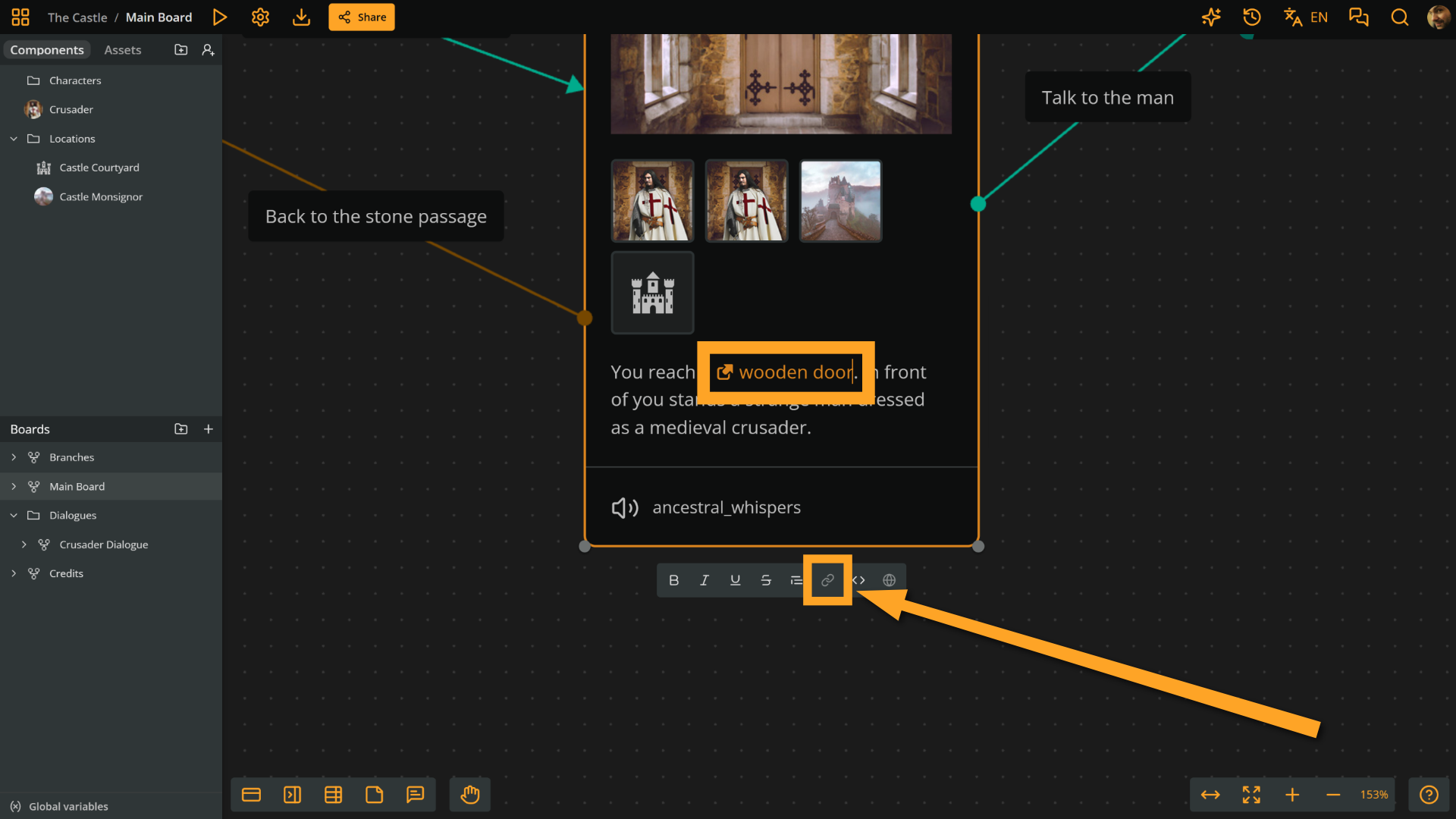
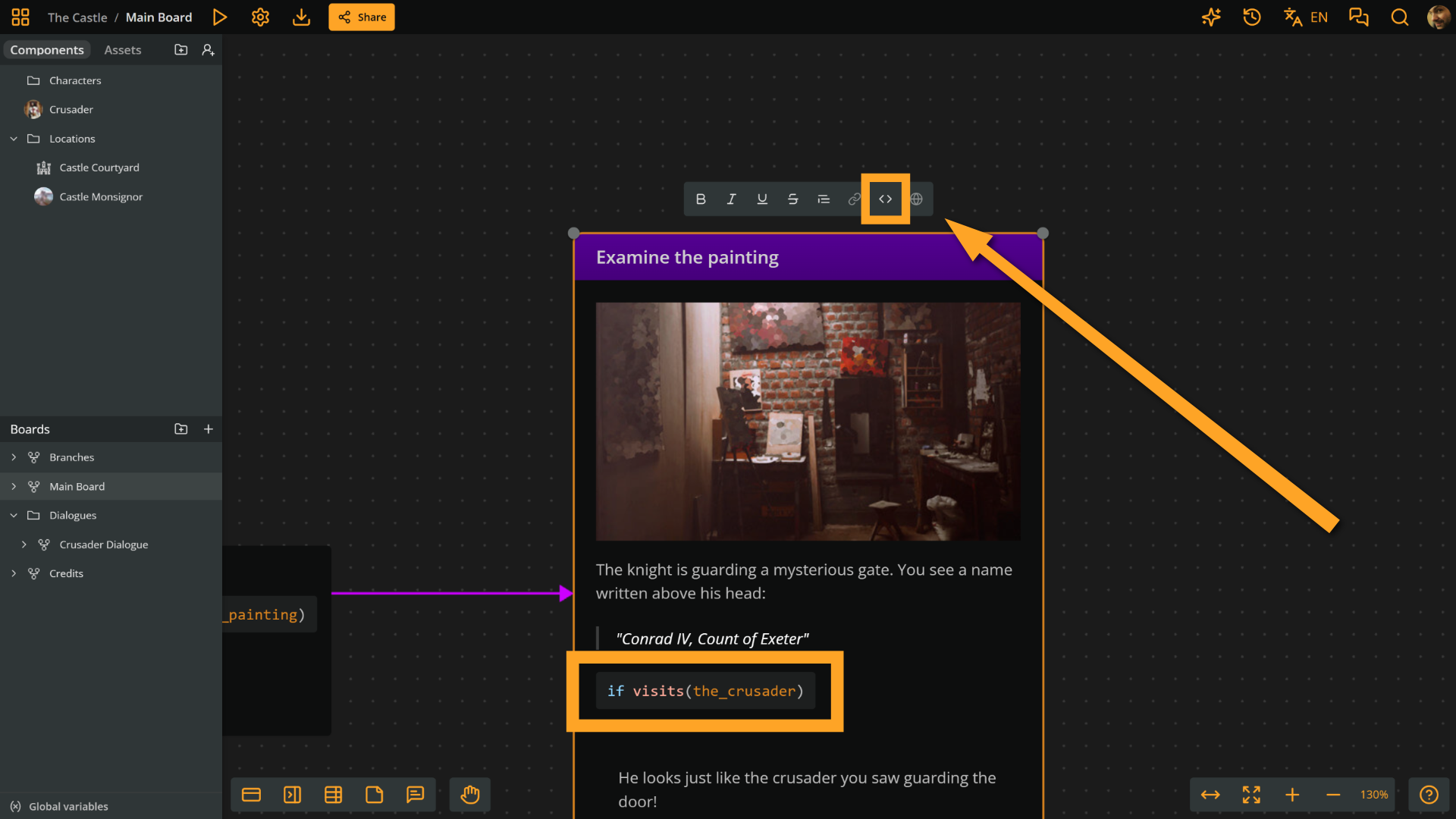
Arcscript
Available in: element content, label
Place the cursor in a paragraph and click the Arcscript button in the formatting menu to convert the paragraph into an Arcscript segment.
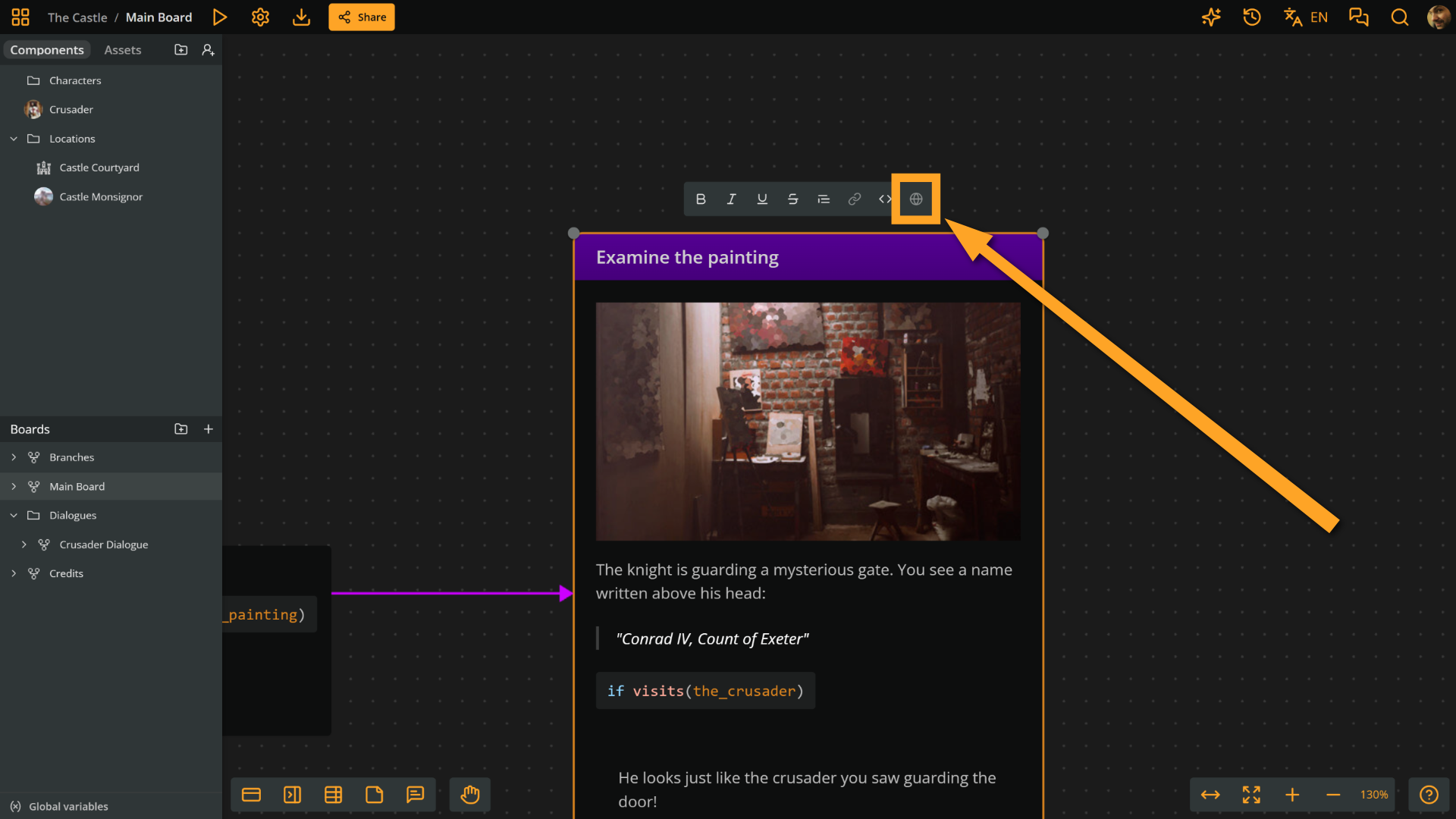
Translatable
Available in: element content, label
When localization is available (Team workspaces), it toggles whether the current Arcscript segment is translatable. The button is enabled only while the cursor is in an Arcscript segment and the project's default language is selected.
Format rich text
To format rich text:
- Edit an element, note, label, or rich text field attribute.
- Select some text.
- Click one of the formatting menu buttons (or use Arcweave's keyboard shortcuts).
Markdown formatting
Arcweave's rich text content supports limited Markdown syntax:
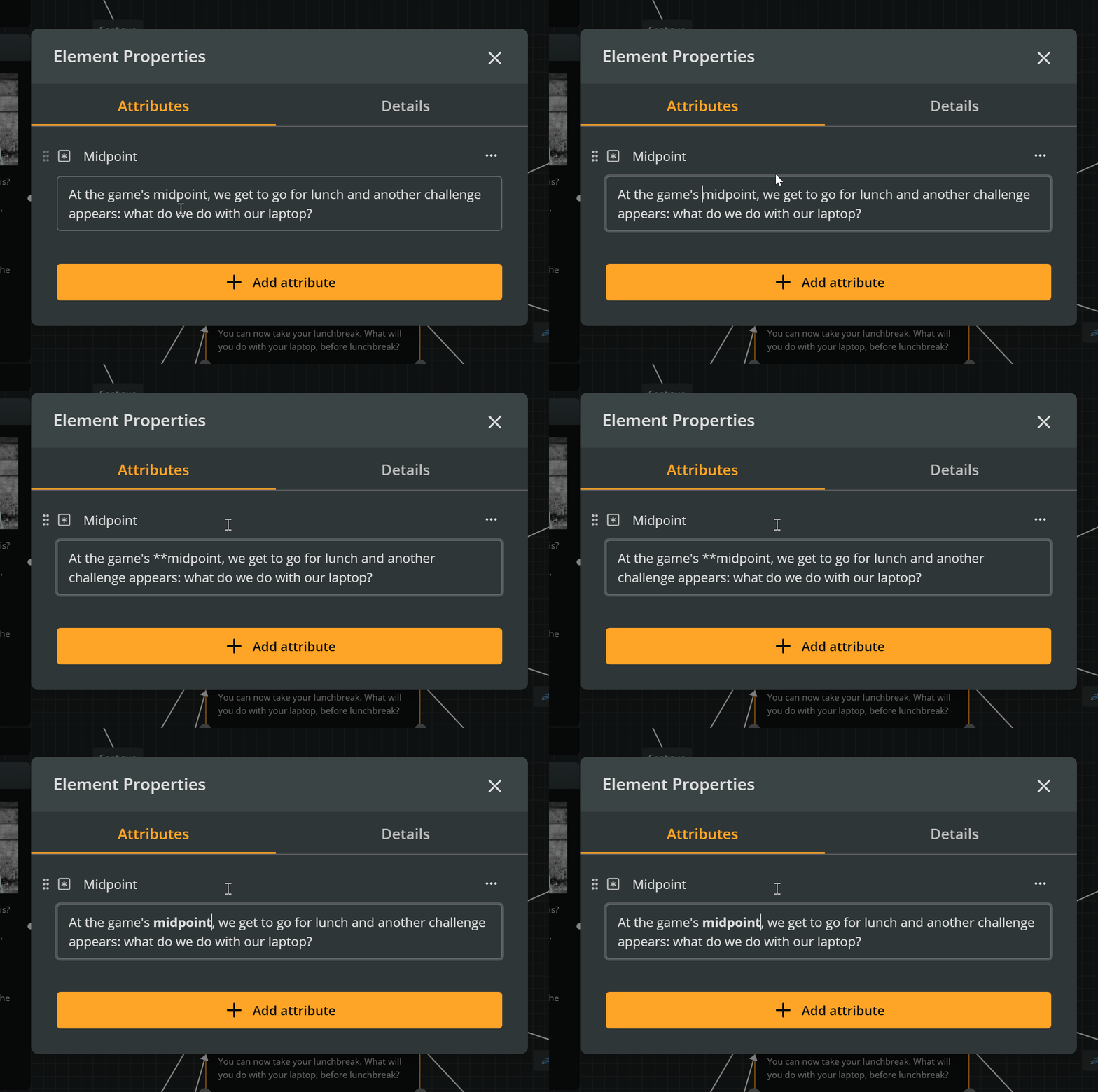
- Italic: Wrap text in *single asterisks* or _single underscores_ and it will automatically transform to italic text.
- Bold: Wrap text in **double asterisks** or __double underscores__ and it will transform to bold text.
- Strikethrough: Wrap text in ~~
double tildes~~ and it will transform to struck-through text. - Blockquote: In fields that support blockquotes, type
>followed by a space at the start of a paragraph. - Arcscript segment: In fields that support Arcscript segments, type
```or~~~followed by a space at the start of a paragraph.
✅ By the way, Pro and Team workspaces support exporting your project in Markdown.