Workspace billing
The Billing section contains your workspace's invoice details and billing history.
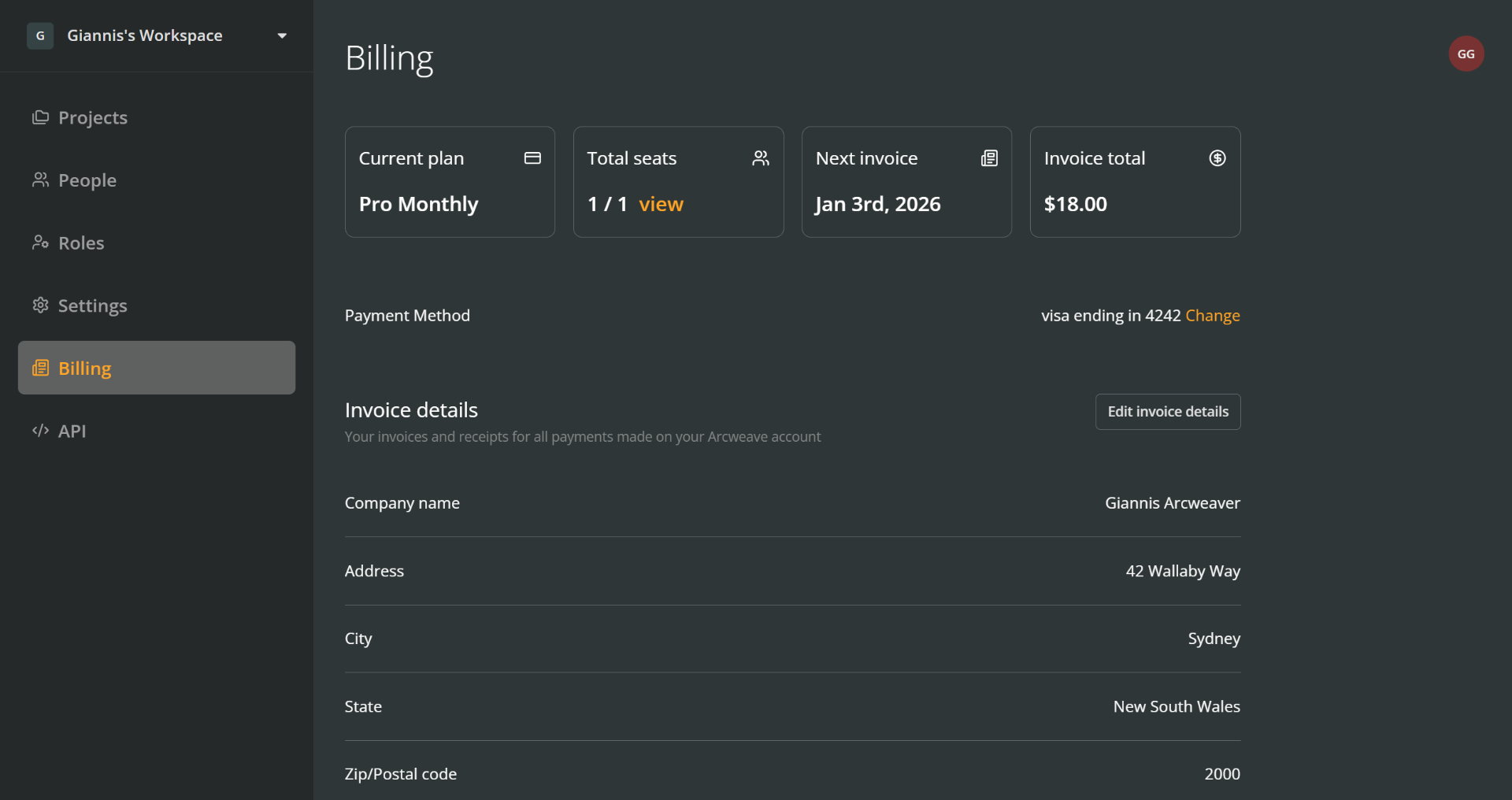
From top to bottom, you can find:
- Current plan: The active billing plan for your workspace.
- Total seats: The number of seats in your workspace. Click View to see a list of members.
- Next invoice: The date your next invoice will be issued.
- Invoice total: The amount due on your next invoice.
- Payment method: Your selected card or other method of payment.
- Invoice details: Your company name, VAT number, and address that appear on your invoices.
- Billing history: A list of all your invoices and receipts.
ℹ️ To change a workspace's billing plan, you need to go to the workspace's Settings section.
Payment method
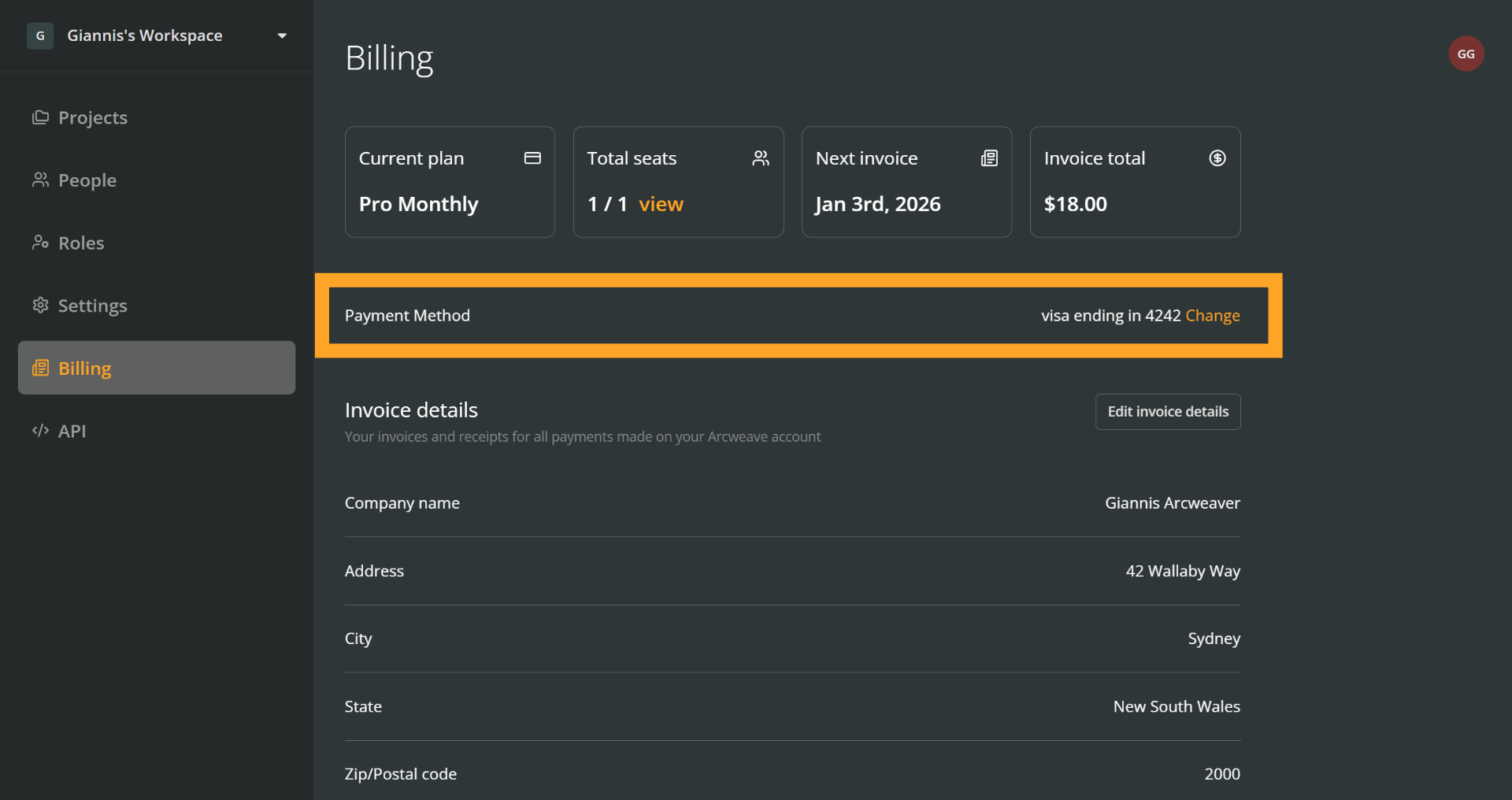
To change your payment method, click Change next to your current payment method.
Invoice details
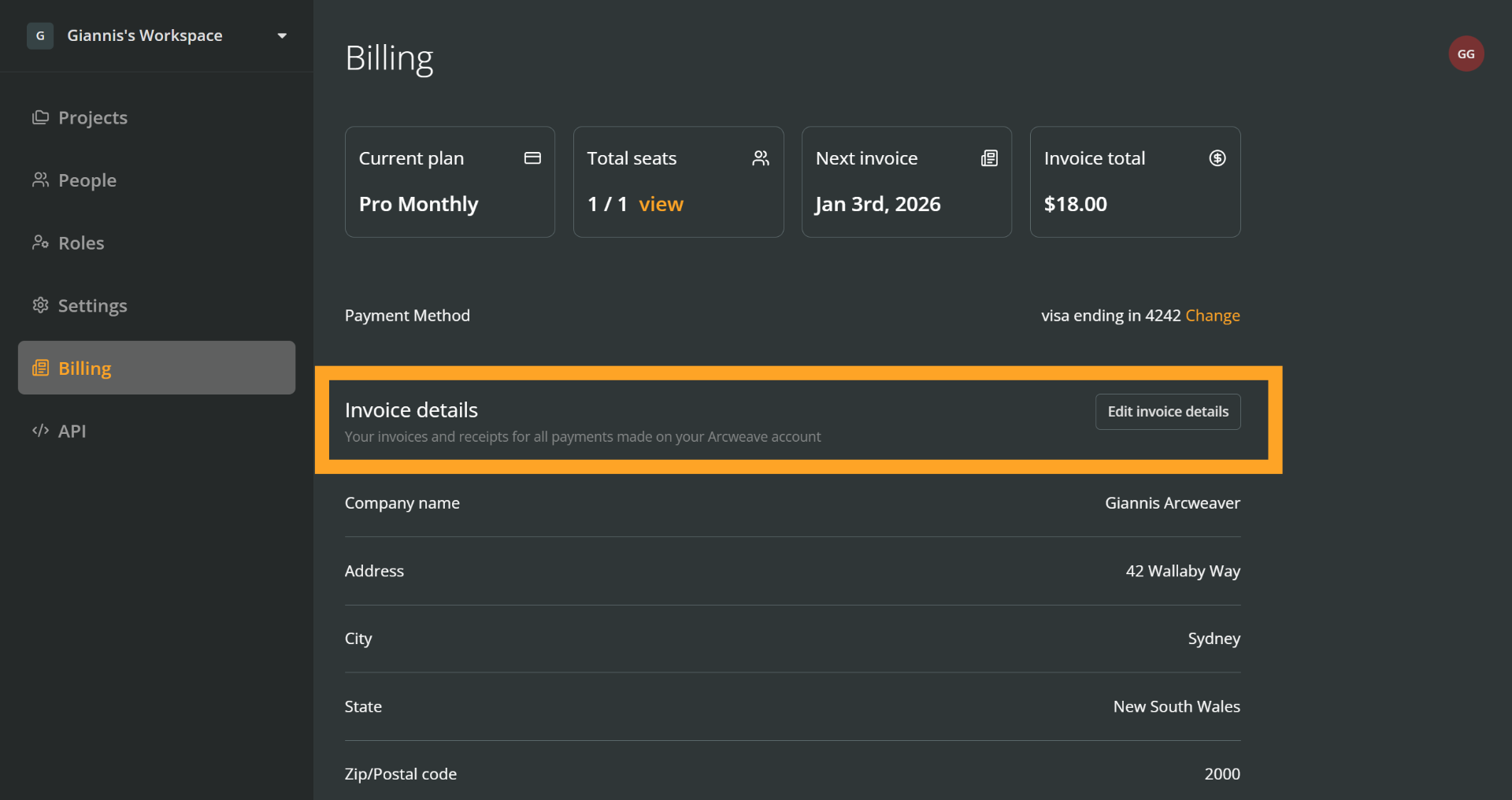
This section lets you see and edit the billing information used on your invoices.
It includes:
- Company name
- Address
- VAT ID
Edit invoice details
To update your invoice details:
- Click Edit invoice details.
- Fill in the updated information in the form.
- Click Submit to save your changes.
Overdue invoices
Payment retry
When an invoice becomes overdue, Arcweave will make up to 3 attempts to charge you via your selected payment method.
If the charge fails due to an issue with your payment method, you can update it as described above.
ℹ️ Updating your payment method will also trigger an immediate retry of an overdue invoice payment.
Payment failure
If all retry attempts fail and the invoice remains unpaid, the following actions apply, depending on your plan:
Overdue monthly invoice on a monthly plan
Your subscription will be cancelled and your workspace will automatically downgrade to Basic.
Overdue yearly invoice on a yearly plan
The same as above: your subscription will be cancelled and your workspace will automatically downgrade to Basic.
Overdue monthly invoice on a yearly plan:
ℹ️ Τhis case applies to yearly-billed workspaces that have added more seats than those included in their yearly subscription (i.e. added seats after their initial upgrade from Basic). See Add seats to a yearly plan.
If the monthly invoice remains unpaid, your yearly subscription will not be cancelled. Instead, Arcweave will remove all monthly-billed users, starting from the ones added most recently.
Once this adjustment is complete, your yearly subscription will continue normally on its annual billing cycle.
Billing history
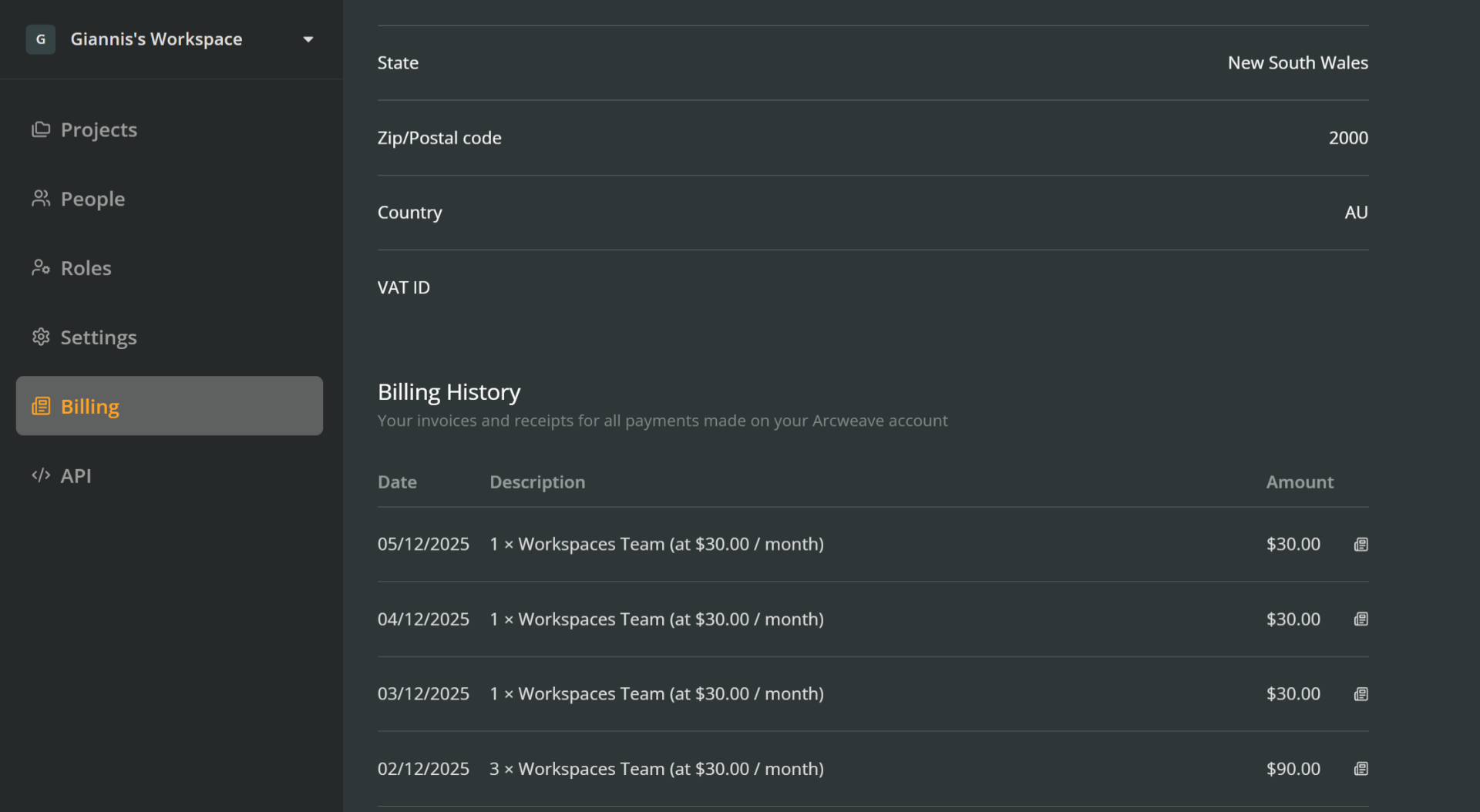
The final section displays your workspace's billing and invoice history.
To download an invoice:
- Find the invoice using its date, description, and amount.
- Click the download icon at the end of the row.
- Save the file to your device.